



Keeping your smartphone secure has never been more critical. Hackers, scammers, and data thieves are more active than ever, and a few simple adjustments to your phone settings can make a world of difference.
Here are eight security features you should activate right now to protect your personal information and stay safe.
1. Enable Two-Factor Authentication (2FA)

Add an extra layer of security by enabling 2FA on all your important accounts.
This feature requires you to verify your identity with a second method, such as a text code or authentication app, making it much harder for hackers to gain access.
Pro Tip: Paying more than $15 a month for your cell service? Stop that. Click here to save a bundle.
2. Turn on Automatic Software Updates
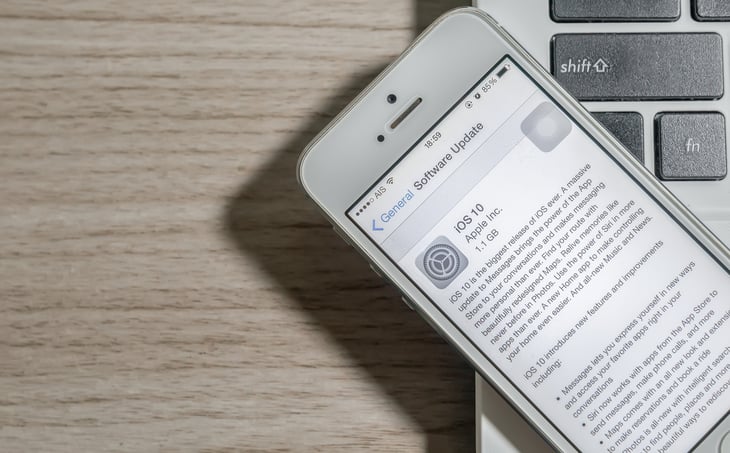
Outdated software can leave your phone vulnerable to attacks. Enable automatic updates to ensure you always have the latest security patches and improvements running on your device, protecting your personal data.
Keeping your phone secure means you can focus on earning extra cash without worrying about security breaches.
Pro Tip: Earn up to $1000 per month doing simple tasks with KashKick!
3. Lock Down App Permissions

Review the permissions granted to your apps and restrict access to sensitive features like your location, camera, and contacts.
Only allow permissions that are essential for the app’s functionality, ensuring your privacy is protected while using your device.
Pro Tip: When shopping online, get 3-15% cash back with easy-to-use rebate services like Capital One Shopping or Rakuten.
4. Activate Find My Phone

This feature helps you locate your device if it’s lost or stolen. It also allows you to remotely lock or erase your phone’s data to prevent unauthorized access, giving you peace of mind in case of theft.
Taking steps to secure your personal information is just as important as protecting your financial well-being.
Pro Tip: If you have more than $20,000 in unsecured debt, get some professional help. National Debt Relief is a trusted source for free advice and assistance.
5. Use a Strong, Unique Password

Ditch simple passcodes like “1234” and opt for a strong password or a mix of alphanumeric characters.
Better yet, consider using a password manager to generate and store complex passwords for you, ensuring your online accounts stay secure.
Pro Tip: Want to save time, money, and stress while protecting your family? Where there's a will, there's a way.
6. Enable Encrypted Backups
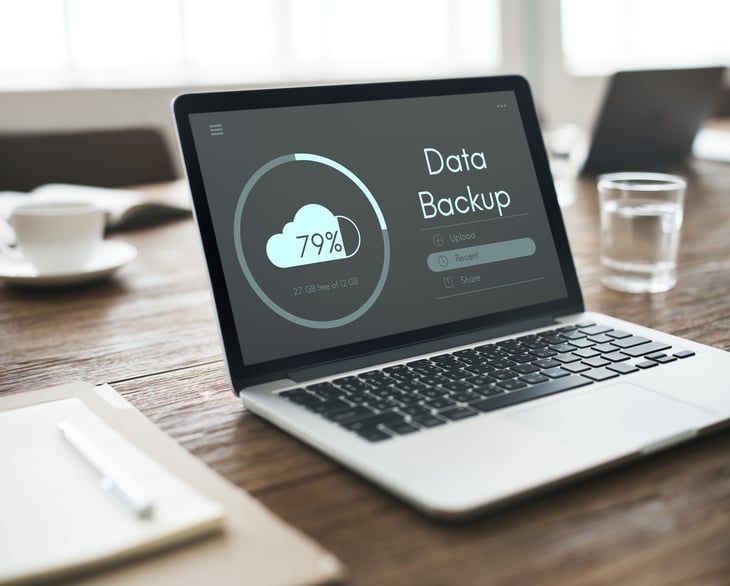
Regularly backing up your phone is essential, but it’s equally important to encrypt those backups.
This ensures that even if your backup data is intercepted, it can’t be accessed without your encryption key, adding an extra layer of security for your personal information.
Pro Tip: Hands Down One Of The Best Cards Of 2025: Get a 0% intro APR credit card and pay no interest until nearly 2027! Transfer your existing debt, pay it down faster, and enjoy stress-free spending.
7. Turn On Wi-Fi and Bluetooth Security
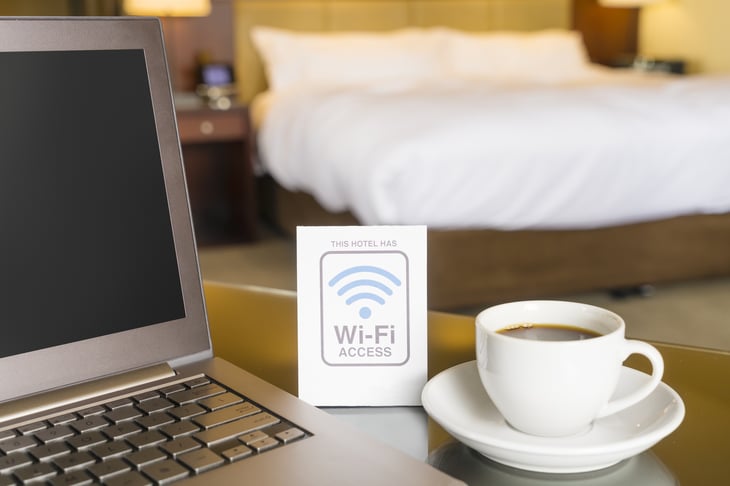
Public Wi-Fi and open Bluetooth connections can be a gateway for hackers.
Configure your phone to ask for permission before connecting to new networks or devices, and disable these features when not in use, ensuring your device remains secure.
Pro Tip: Boost your shopping power: Get a rare card with 0% intro APR to ease debt pressure and up to 10% cash back in your first year! Save more, earn more, and take control of your finances today.
8. Set Up Biometric Authentication

Fingerprint or facial recognition adds an additional layer of security to your device, making it nearly impossible for unauthorized users to unlock your phone.
Keep Your Phone Safe and Your Data Protected

Implementing these security features is a simple yet powerful way to safeguard your personal information and protect against cyber threats.
By taking these precautions, you can enjoy peace of mind knowing your smartphone is secure.

Add a Comment