



In an increasingly digital world, your cell phone holds a treasure trove of sensitive information.
From personal photos and financial details to email accounts and passwords, this data is a prime target for cybercriminals.
Protecting your phone isn’t just about convenience – it’s about safeguarding your identity and finances. Here are eight essential tips to keep your data safe and secure on your cell phone.
1. Use Strong Passwords and Biometrics

Protect your phone with a strong password or passcode using numbers, symbols, and letters. Avoid easy-to-guess options like “1234” or your birthdate.
For added security, enable biometric authentication, such as fingerprints or facial recognition.
Always update your password regularly and avoid reusing passwords across multiple accounts. Use a password manager to keep track of your credentials without compromising security.
Pro Tip: Don’t let thieves steal your life – protect your identity with top-rated ID theft protection.
2. Update Your Operating System Regularly

Outdated software can make your phone vulnerable to hackers. Manufacturers release updates to fix bugs and close security gaps, so keeping your operating system current is essential.
Enabling automatic updates helps protect your data and keeps your device running smoothly. But security isn’t the only factor in maintaining a great phone experience—reducing unnecessary costs, like overpaying for cell service, can also The important.
Pro Tip: Paying more than $15 a month for your cell service? Stop that. Click here to save a bundle.
3. Avoid Public Wi-Fi Networks

Public Wi-Fi might seem like a convenient way to save on mobile data, but it’s also a playground for cybercriminals. On unsecured networks, hackers can intercept sensitive information like passwords and account details.
Instead of connecting to public Wi-Fi, consider using your phone’s mobile data or investing in a portable hotspot.
If you must use public Wi-Fi, consider using a virtual private network (VPN) to encrypt your connection and shield your data from prying eyes.
Pro Tip: Safeguard your digital world – check out the best antivirus software here and browse worry-free.
4. Beware of Phishing Scams
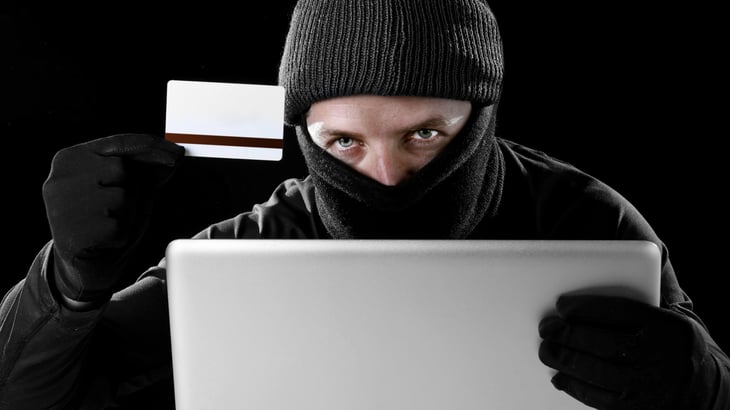
Phishing scams are one of the most common ways cybercriminals steal data, often disguised as fake emails, text messages, or social media links designed to trick you into sharing personal or credit card information.
Be extra cautious when clicking links or downloading attachments, especially from unknown sources. Always verify the sender’s authenticity.
Fraudsters often target financial transactions, so a secure payment method can add protection. Choosing the right credit card helps safeguard your purchases and reward you for everyday spending.
Pro Tip: When you spend on anything, always pay with a top-ranked cash-back card.
5. Install Security Software
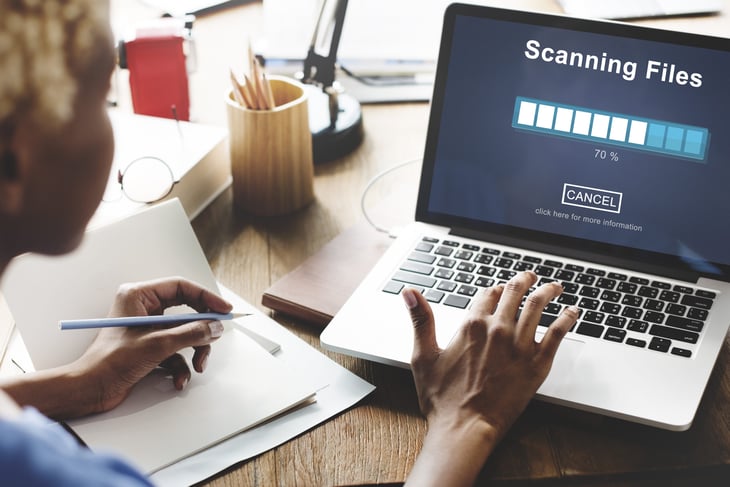
Like computers, smartphones need antivirus software to fend off malware, spyware, and other threats.
Many apps offer real-time protection to detect and block suspicious activity before it can cause harm.
Look for reputable security apps with additional features like anti-theft tools, phone tracking, and web protection. Free versions can offer basic safety, but investing in premium software ensures more comprehensive coverage.
Pro Tip: If you’re looking to rack up flexible rewards points or miles to go on your dream vacation, here are the Top Rewards Credit Cards.
6. Enable Two-Factor Authentication (2FA)

Two-factor authentication (2FA) is an effective way to add another layer of security to your accounts.
If someone steals your password, they can’t access your data without the second verification step, often a text message or authentication app code.
Many apps and services, including email, social media, and banking platforms, now offer 2FA. Enabling this feature is an easy way to protect sensitive information from unauthorized access.
7. Be Cautious with App Permissions

When downloading apps, carefully review the permissions they request. Some apps unnecessarily seek access to your camera, microphone, or location—grant these only when absolutely necessary.
Regularly checking your phone’s settings lets you revoke permissions or cancel subscriptions for apps you no longer use.
Many apps continue charging fees long after you stop using them, so monitoring your subscriptions is just as important as managing permissions.
Pro Tip: Never pay for an unwanted subscription again. Quicken Simplifi instantly finds and tracks your subscriptions and cancels unwanted subscriptions.
8. Back Up Your Data

Backing up your data protects against loss due to theft, hardware failure, or cyberattacks. Important files can be stored on cloud storage services like Google Drive, iCloud, or OneDrive.
These services often have encryption features to keep your data secure. For additional security, consider maintaining an external backup on a hard drive.
Setting up automatic backups ensures your data is always up to date, giving you peace of mind no matter what happens.
Stay Vigilant for Complete Protection
Cell phone security isn’t a one-time fix – it’s an ongoing effort.
By implementing these eight strategies, you can significantly reduce your risk of data breaches and enjoy greater peace of mind. Stay proactive, and don’t let your guard down regarding your data.

Add a Comment