


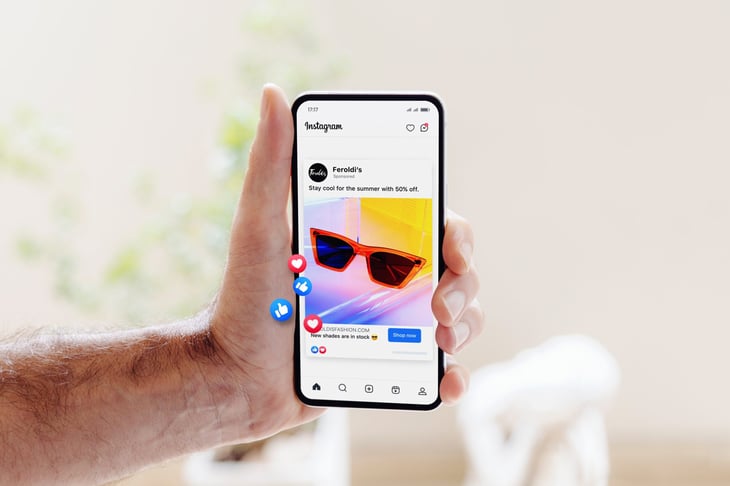
Smartphones are packed with hidden features that can streamline your life and cut unnecessary expenses. From reducing your data usage to finding instant discounts, a few small tweaks can lead to big savings.
Most people only scratch the surface of what their phone can do. These smart hacks can help you spend less, stay organized, and get more value from your device.
1. Scan Documents for Free Instead of Paying for Copies

Need to scan and send documents? Instead of paying for copies at an office store, use your phone’s built-in document scanner in the Notes app (iPhone) or Google Drive (Android). This feature turns your phone into a free, high-quality scanner.
You can also adjust brightness, crop edges, and save files as PDFs for easy sharing. For even more functionality, apps like Adobe Scan and CamScanner offer text recognition (OCR), letting you extract and edit text from scanned documents.
2. Set Price Alerts for Travel Deals

Flights, hotels, and rental cars fluctuate in price, but you don’t have to keep checking manually. Apps like Google Flights and Hopper let you set alerts for price drops, helping you book at the best possible rate.
Flexibility is key—adjusting your travel dates by just a day or two can unlock significant savings. Additionally, clearing your browser cookies or using incognito mode can help you avoid dynamic pricing that inflates costs based on your search history.
Pro Tip: A dream vacation can turn into a financial nightmare if unexpected emergencies arise. Medical bills abroad can reach $30,000, and trip cancellations could wipe out your savings. Protect your journey now!
3. Limit Background Data to Reduce Your Bill

Many apps run in the background, consuming data without you realizing it. Checking your phone’s settings and turning off background data for non-essential apps can reduce your monthly data usage and lower your bill.
Streaming, automatic updates, and location tracking are some of the biggest culprits when it comes to excessive data consumption. Switching to Wi-Fi whenever possible and setting limits on background data usage can help you avoid surprise charges on your next bill.
4. Use Free Wi-Fi Calling
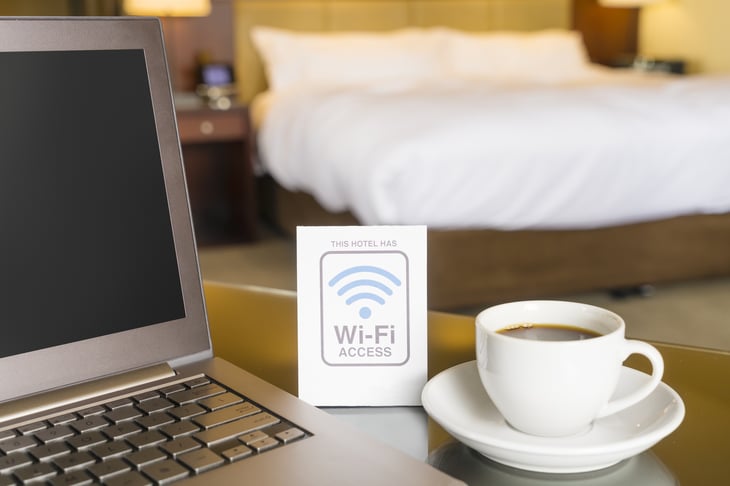
If you’re paying extra for cell minutes, you may be wasting money. Many smartphones allow you to make Wi-Fi calls for free, using apps like FaceTime, WhatsApp, and Google Voice.
Switching to Wi-Fi calling when possible helps cut down on cellular charges, especially when traveling internationally.
Pro Tip: If your cell bill is over $15 a month, you’re likely overspending. Click here to save a bundle.
5. Use Digital Wallets for Instant Discounts

Digital wallets like Apple Pay, Google Pay, and Samsung Pay often offer instant discounts and rewards when used at certain stores.
Some even provide extra cashback or exclusive deals for mobile payments.
Pro Tip: Need cash, debt relief, or help funding a major expense? Find the best options tailored to your needs—fast, easy, and secure. Explore financial solutions here.
6. Use Offline Maps to Avoid Data Charges
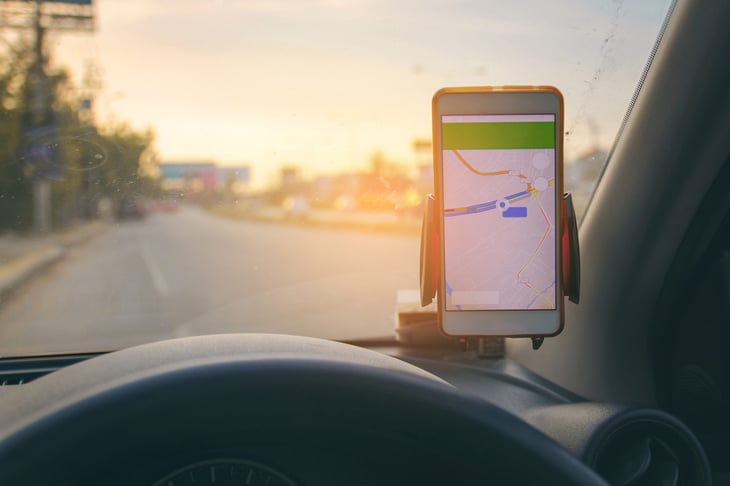
If you rely on navigation apps but don’t want to rack up data charges, download offline maps in Google Maps.
This lets you use GPS without an internet connection, which is especially useful for travel and areas with poor signal coverage.
7. Optimize Your Battery to Extend Phone Life
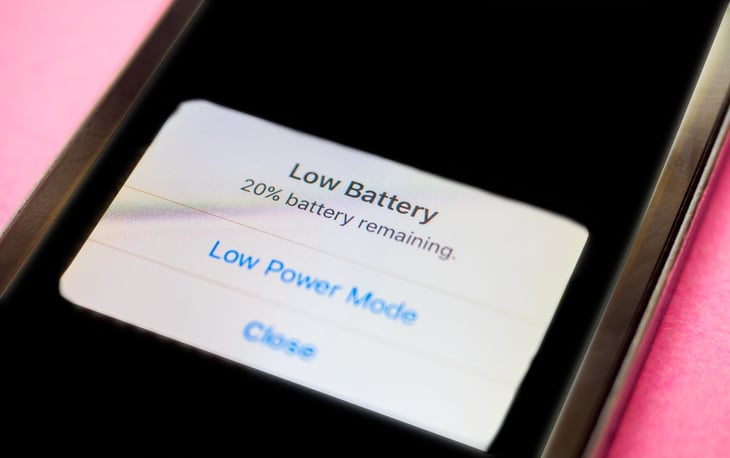
Replacing a smartphone battery is expensive, but simple habits can extend its lifespan. Using low-power mode, reducing screen brightness, and avoiding extreme temperatures can help your phone’s battery last longer, delaying costly replacements.
Frequent trips in and out of your car can also take a toll—heat buildup in a parked vehicle can degrade your battery faster, while repeated drops when juggling keys, bags, and your phone can lead to costly damage. Instead of leaving your phone on the seat or dashboard, use a secure mount or designated compartment to keep it safe while driving.
8. Automate Coupon and Cashback Savings

Your smartphone can find discounts without the hassle of searching for promo codes. Browser extensions and apps like Honey and Rakuten automatically apply the best coupon codes and cashback offers at checkout, helping you save on groceries, clothing, and travel.
Pro Tip: Maximize your savings effortlessly—Get a rare card with 0% intro APR to ease debt pressure and enjoy up to 10% cash back in your first year. Shop smarter and keep more money in your pocket!
9. Find Hidden Discounts With Loyalty Apps
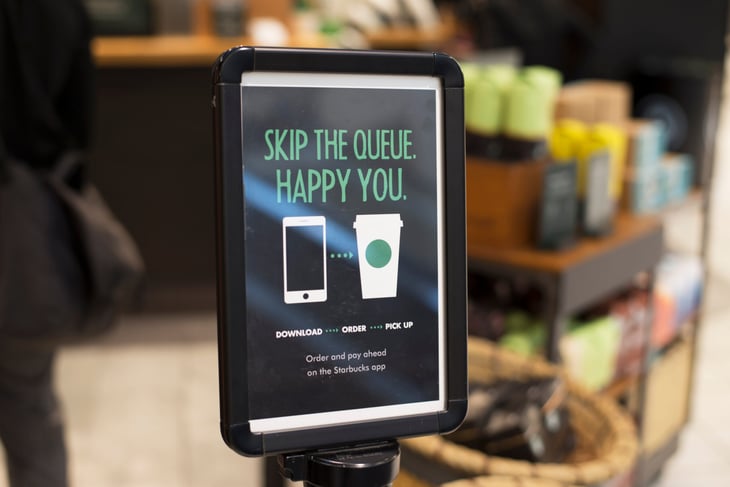
Many retailers offer exclusive in-app discounts, early access to sales, and unique rewards for using their loyalty apps.
Stores like Target, Starbucks, and CVS have free apps that offer instant savings just for signing up.
10. Block Spam Calls and Avoid Phone Scams

Robocalls and scam attempts are on the rise, and answering them can increase your chances of getting targeted.
Most smartphones have built-in call filtering options, and apps like Hiya and RoboKiller can block spam automatically, keeping you safe from fraud.
Make Your Smartphone Work for You
Smartphones are more than just communication devices—they can be powerful tools for saving money, cutting costs, and making everyday tasks easier. The right settings, apps, and strategies can help you avoid unnecessary expenses, protect your finances, and unlock hidden discounts that most people overlook.
These small changes can extend your phone’s lifespan, reduce bills, and keep more money in your pocket every month. Today’s smart adjustments can lead to big savings over time—all with the device you already own.

Add a Comment