


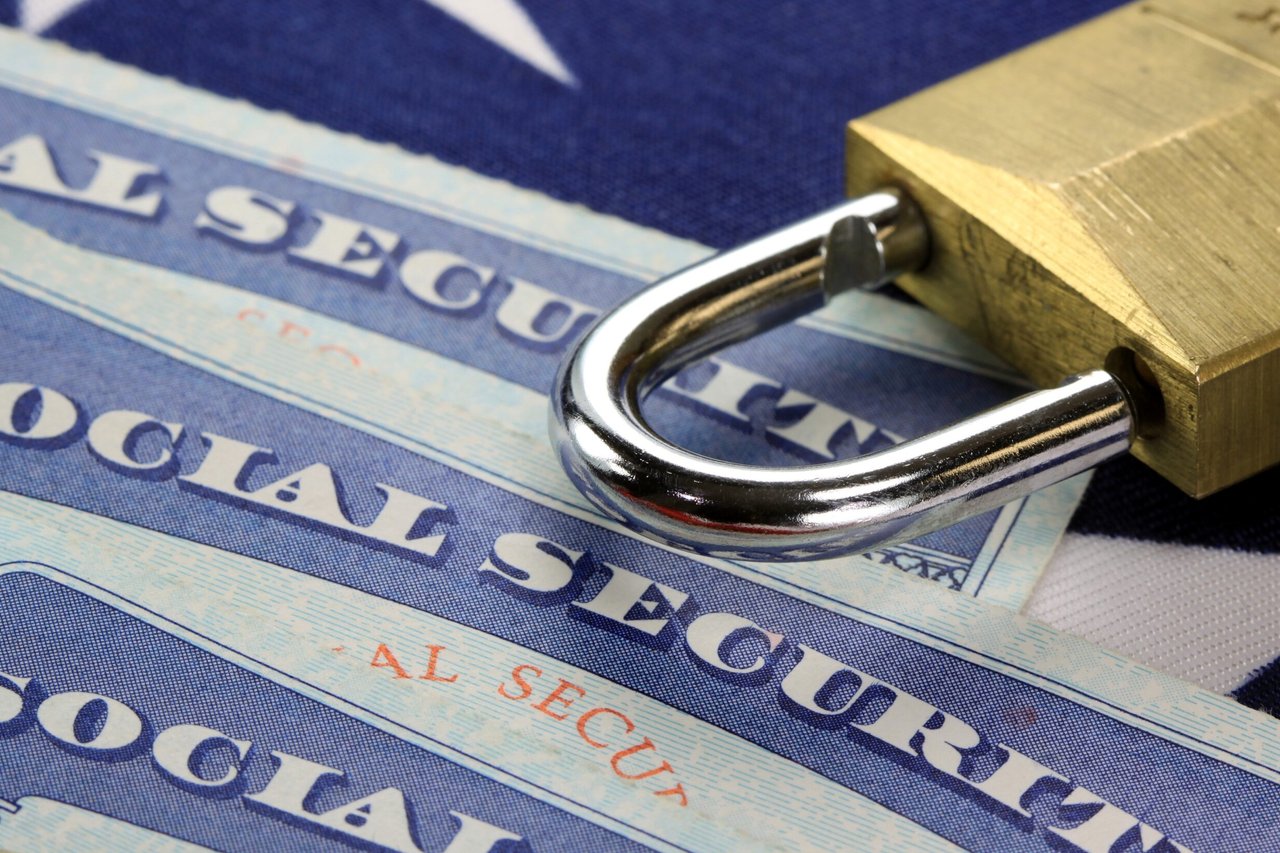
If you’ve ever been a victim of identity theft or a security breach — basically all of us at this point — you’ve probably heard recommendations like “monitor your credit reports” or “freeze your credit.”
But one less common piece of advice is “lock up your Social Security number.” Maybe you didn’t even know that was possible.
But because there are so many ways hackers can use your Social Security number, it makes sense to guard it however possible. And fortunately, this option is free.
Following is a quick look at what is involved in locking your Social Security number, including the benefits and drawbacks.
When to lock your Social Security number
It makes sense to lock your Social Security number at least temporarily following a case of identity theft. Some ways you might spot identity theft, according to AARP, include:
- Unexpected bills
- Withdrawals or purchases on your bank account statement you don’t recognize
- Collection notifications for strange debts
- Difficulties filing your taxes with the Internal Revenue Service
- Wrong information in your credit report
- Rejected medical claims
Unfortunately, identity theft can happen without any of these signs, all of which can be easy to miss without constant vigilance. It’s possible to lock your Social Security number whenever you want, though, so you can do it preemptively if you wish.
How to lock or unlock your Social Security number
There are two places to put a lock on your Social Security number (SSN).
One way is through the Social Security Administration (SSA). This prevents a thief from logging in to the SSA portal to reroute your retirement benefits, change your direct deposit information or view your personal earnings statements.
You can block electronic access to your Social Security record by calling 1-800-772-1213. You can unlock it in the same way, but you’ll have to prove your identity.
The other is done through the E-Verify system and prevents a thief from submitting your SSN to an employer to get a job, which could eventually result in the IRS coming after you for unpaid taxes on wages you never earned.
You can apply a Self Lock through E-Verify, a government service that allows employers to verify a worker’s employment eligibility.
You’ll need to log in to (or create) a myE-Verify account, then select three challenge questions and provide answers. You’ll have to answer these to unlock your account or if an employer tries to use your number to confirm your employment authorization.

How a Social Security lock compares with a credit freeze
If this sounds similar to placing a credit freeze — another common step after identity theft — you’re right.
A credit freeze is free, can be applied at any time and lasts until you remove it. You can use a credit freeze to lock access to your credit reports, preventing anyone (including you) from opening new accounts. Credit freezes can be applied at each of three major credit reporting companies: Equifax, Experian and TransUnion.
A Social Security lock is placed with the Social Security Administration over the phone and online through the E-Verify system. As long as electronic access to your Social Security record is blocked, the SSA says:
“Any automated telephone and electronic access to your Social Security record is blocked. No one, including you, will be able to see or change your personal information on the internet or through our automated telephone service.”
As for the Self Lock, the E-Verify website says:
“Employment-related identity fraud could mean that someone else is working under your identity and using your SSN. If this happens, someone else’s wages could be reported in your name to the Internal Revenue Service, the Social Security Administration, and other authorities. By using Self Lock, you can block someone from committing this fraud if they start working for an E-Verify employer. Even if you are not currently working, you may want to protect your SSN and identity with Self Lock.”
Other ways to protect yourself
If you haven’t already, create your my Social Security account.
The Social Security Administration also recommends against carrying your card or any other documents with your number on them in your wallet. It also says to be cautious sharing your number, even when asked for official purposes.
You may also be interested in placing a fraud alert on your credit report. When you request an alert from any credit bureau, it will apply to the other two companies as well.

Add a Comment